
Forgot password
Forgot your password? No problem! You can easily create a new password by resetting your old one. Below you will find a step-by-step guide:
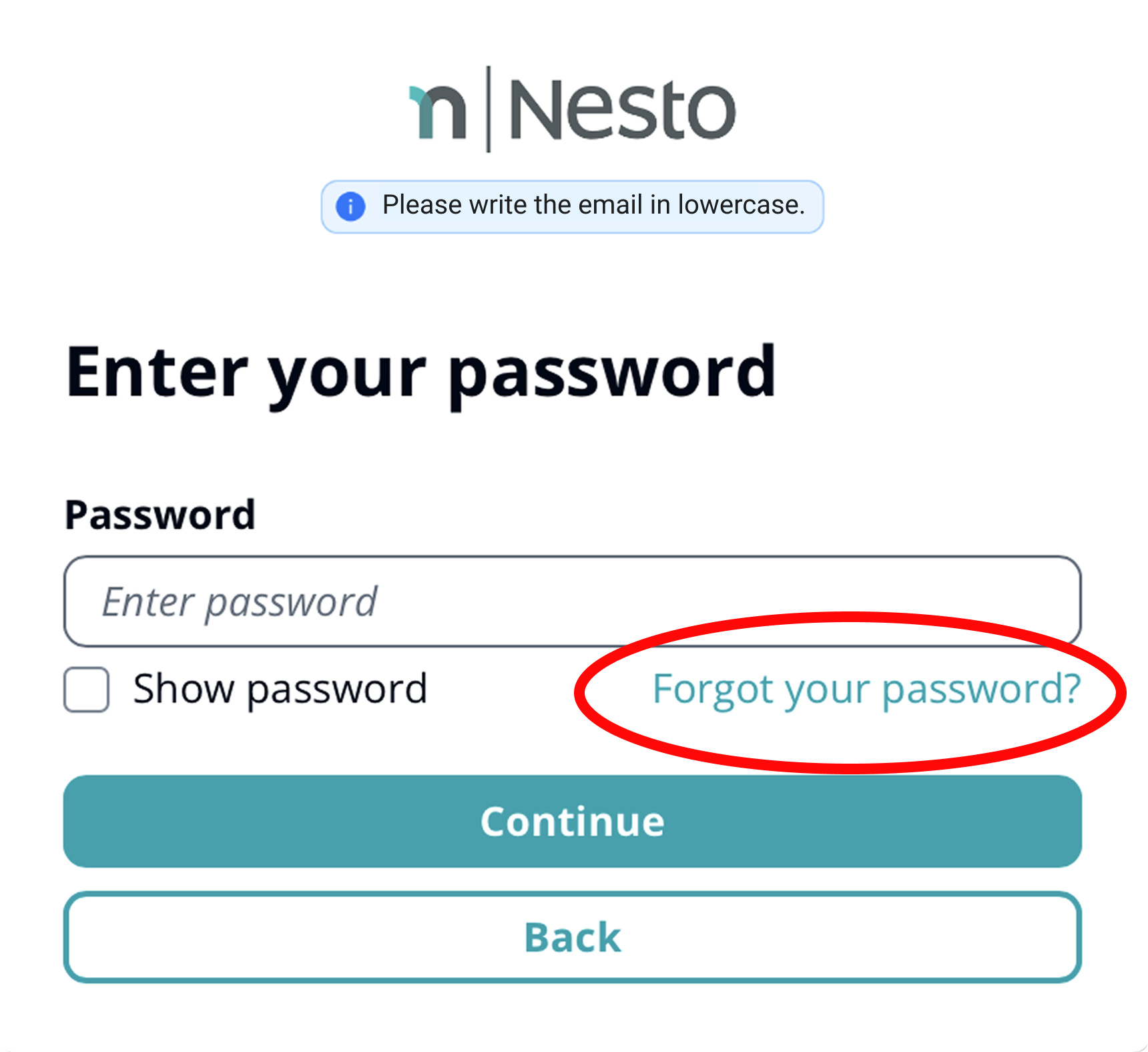
Click on "Forgot your password?".
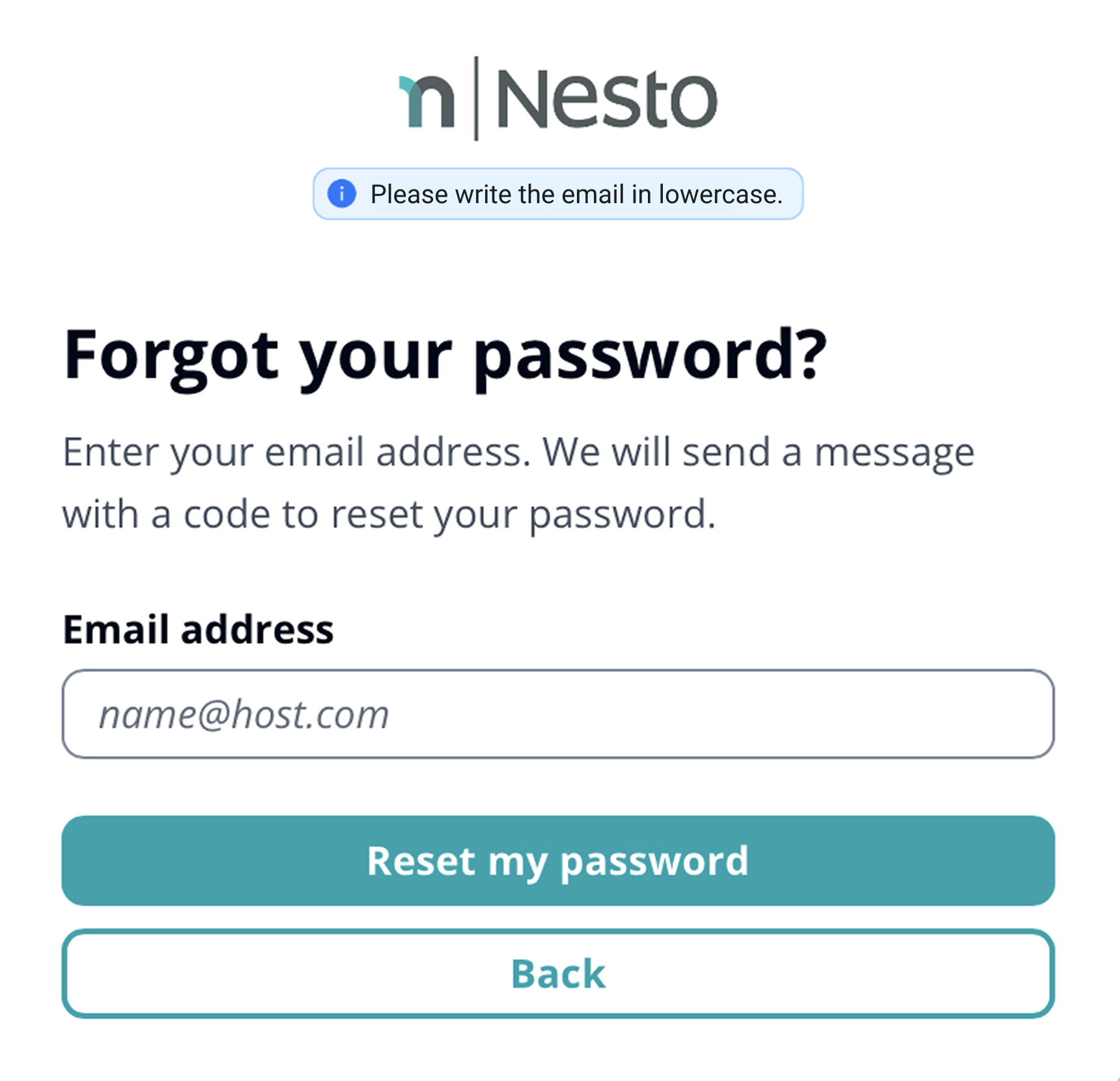
Enter your email address that is registered in your Nesto account.
If you are unsure which email address is registered with your employer in Nesto, check which email address your Nesto login details were sent to. The corresponding email should look like this:
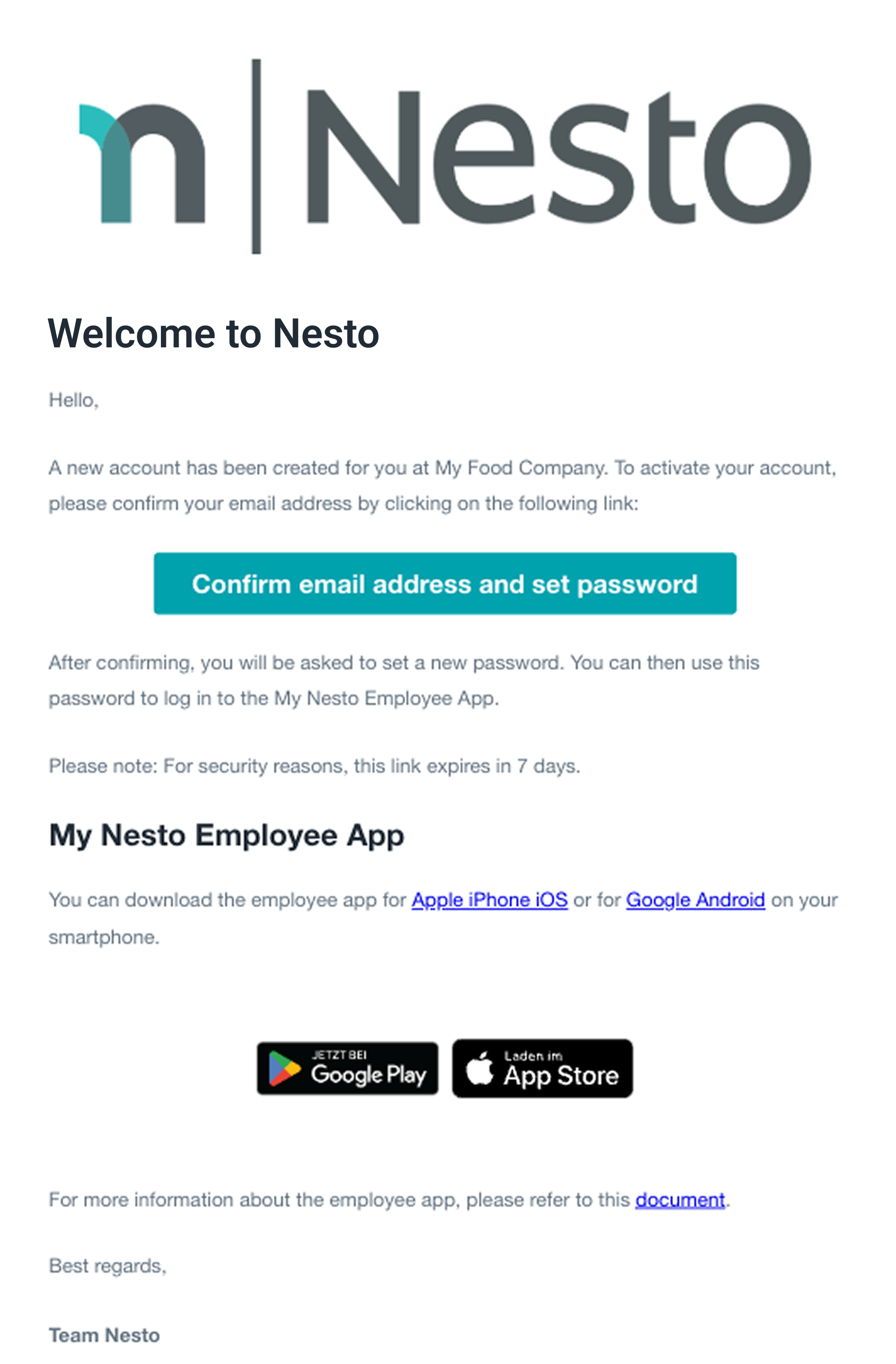
If you have not received such an email, we strongly recommend checking your spam folder, as emails are sometimes moved there. If you still cannot find any message from us, please contact your supervisor. They can check whether an alternative email address might be registered for you in our Nesto system.
Once you know and have entered your email address, click on “Reset my password”.
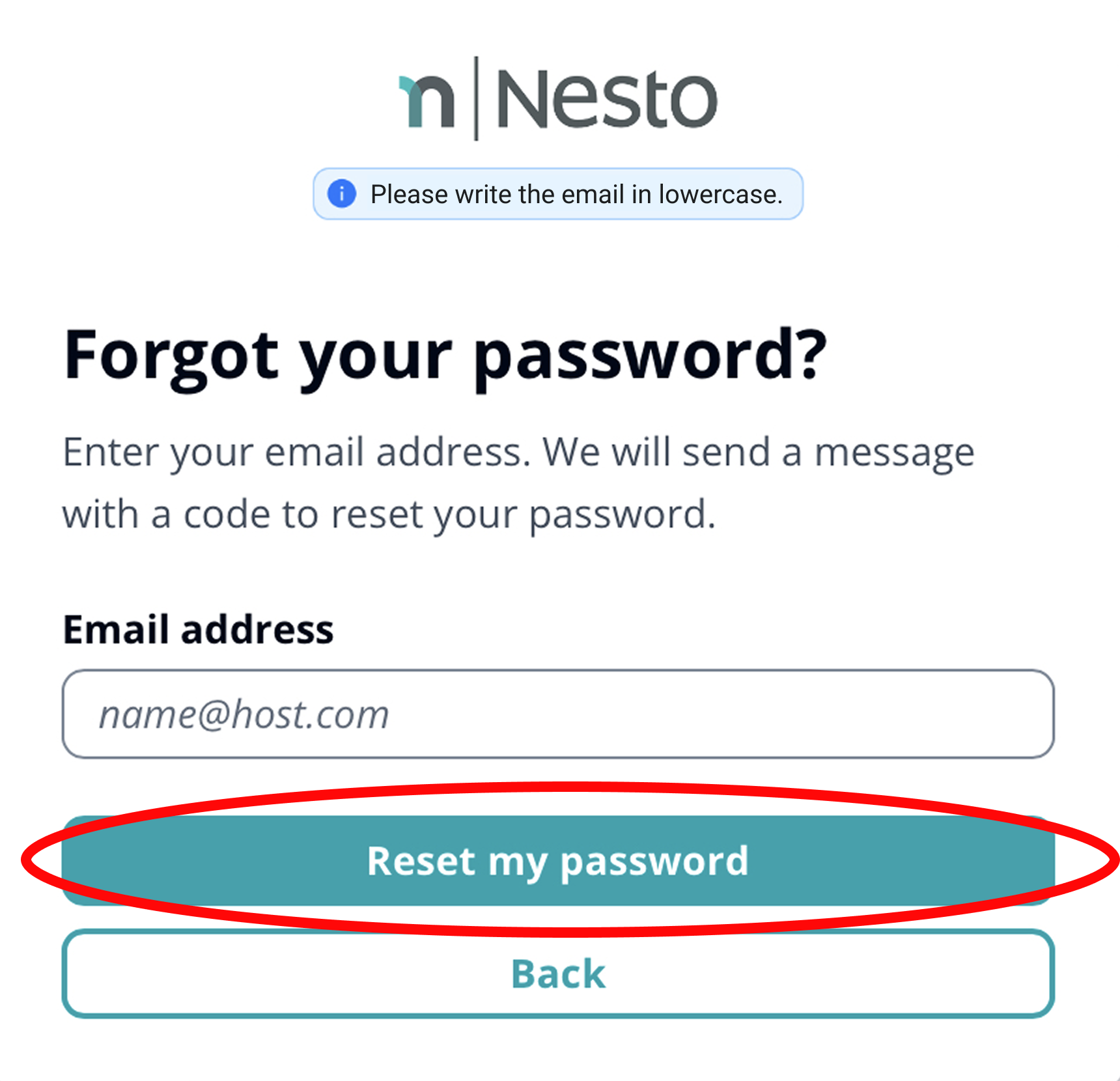
You will then receive an email from Nesto where you can reset your password.
If you have any further questions, feel free to contact us anytime.
Your Nesto team is here for you 🙂
FAQs
Why can't you access your Nesto account?
No data has been registered yet.
If your account has not yet been activated, please contact the administrators.
Wrong email registered, either work or private email.
Typo in the email registration.
Why don’t you receive an email when you forget your password?
Wrong email registered, either work or private email.
Typo in the email registration.
Your email is "blacklisted," meaning it is considered unwanted or potentially harmful. Check your spam folder and note that different email providers have different procedures for removal from the blacklist. It is advisable to contact your email provider directly and follow their specific instructions.
The email probably ended up in the spam folder. Please check there again.
Can I use the same login data for both the My Nesto app and on the computer?
Yes, you can use the same login data for the My Nesto app and for accessing Nesto on your computer.